Docs / Redeem & access
Start here
Redeem your code and get in.
recto is passwordless and code-based. You redeem a code once, sign in by email link from then on, and your tier decides how many sites you can connect.
1Redeem your code
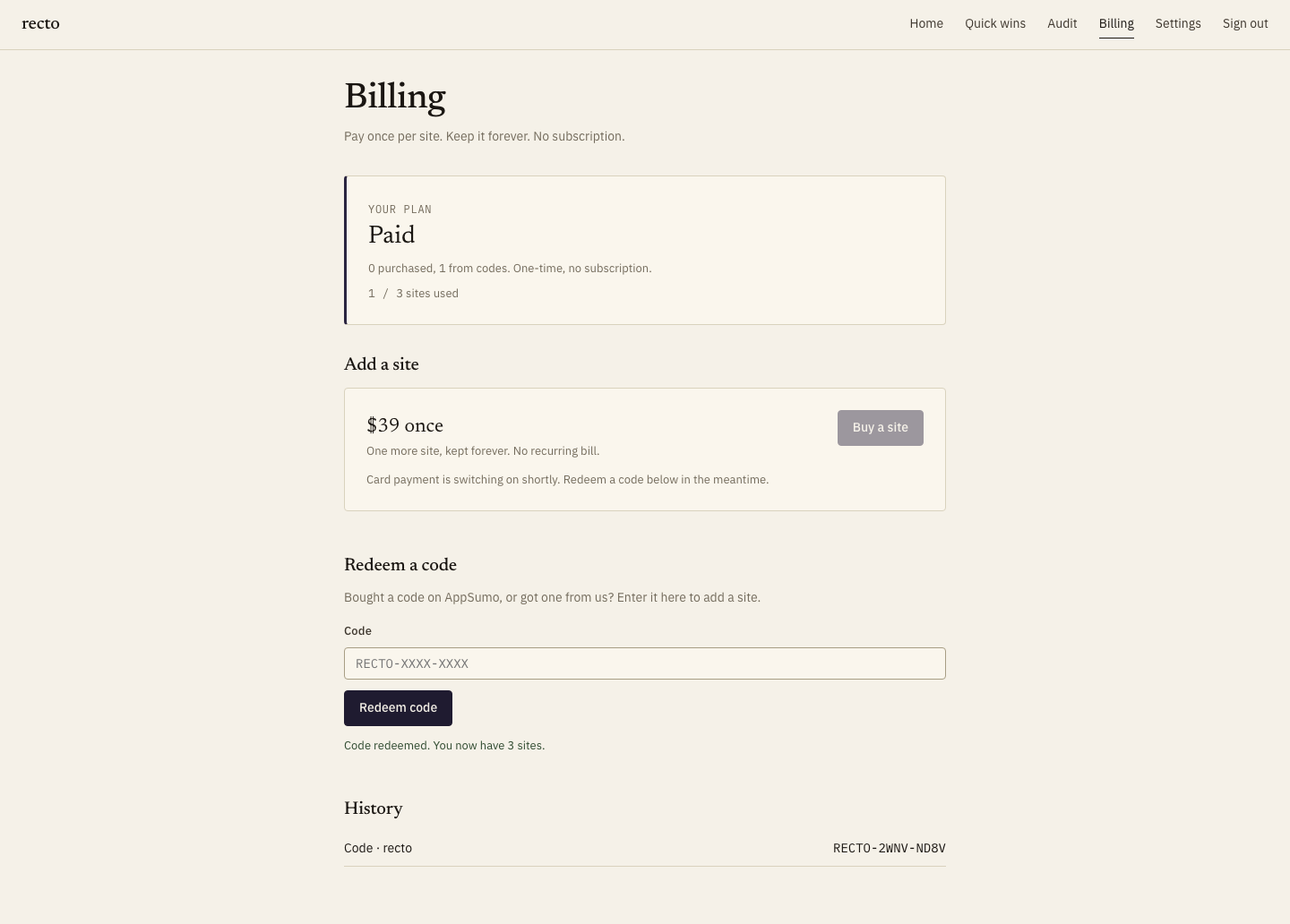
On the billing page, paste the code you received (it looks like RECTO-XXXX-XXXX) and press redeem. AppSumo codes activate instantly. Stacking a second code raises your site limit — see Add another site.
2Sign in by magic link
There is no password to set or forget. Enter your email on the sign-in page, and recto mails you a one-time link. Click it and you are in. The link is single-use and expires, so request a fresh one any time.
3What your tier unlocks
Your plan sets how many sites you can connect at once — your earned site allowance. Everything else (crawling, orphan detection, ranking, publishing, link verification) is included on every tier. Only AI anchor suggestions draw down credits, and bringing your own key stops even that.