Docs / Add another site
Guides
Run more than one site.
recto handles each site independently — its own crawl, its own orphan list, its own approved links. Adding one is the same connect flow you already did, after you make room for it.
1Raise your site limit
Your plan sets how many sites you can connect at once. To add another, stack a code on the billing page — each code raises your limit. You can see your current limit and how many sites you’ve used on the same screen.
2Add the site
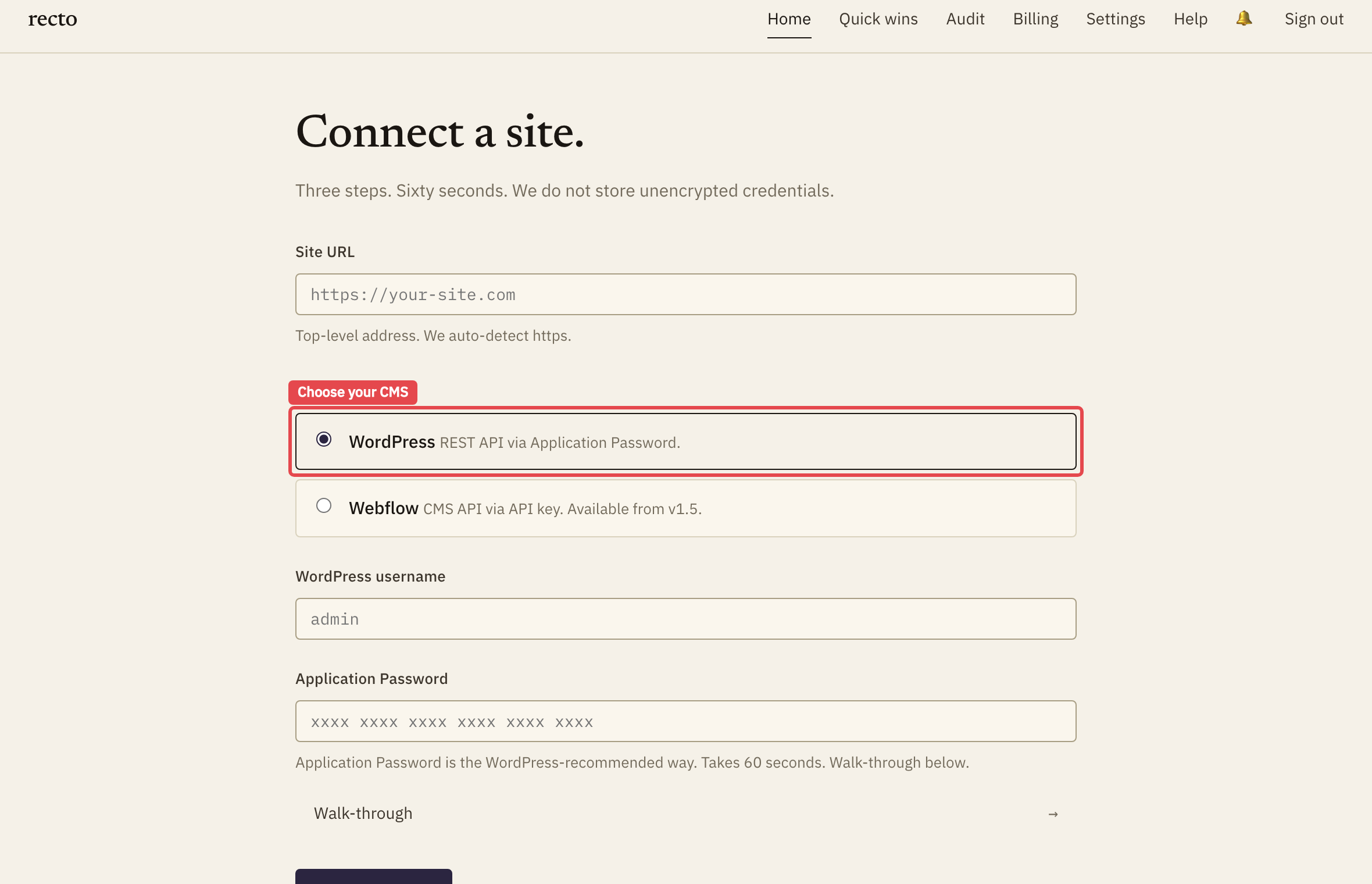
On the add-a-site screen, choose your CMS and connect it the same way as the first — for WordPress, that’s the Application Password flow. Connect Search Console per site too, if you want traffic-ranked orphans for it.
3Switch between sites
Once connected, switch the active site from the site selector. Crawls, orphans, credits, and approved links are all scoped to the site you’re viewing — nothing bleeds across.